


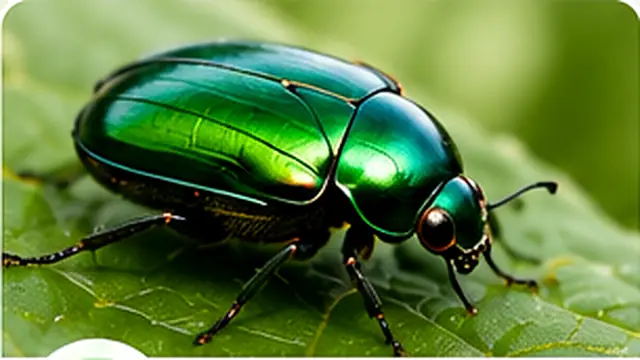
Beetles
Hard wing covers
Upload a clear picture to identify insects and bugs online. Explore likely species, scientific names, habitat, behavior, pest status and practical identification details.
Use a sharp photo showing the body, wings, legs and markings when possible.
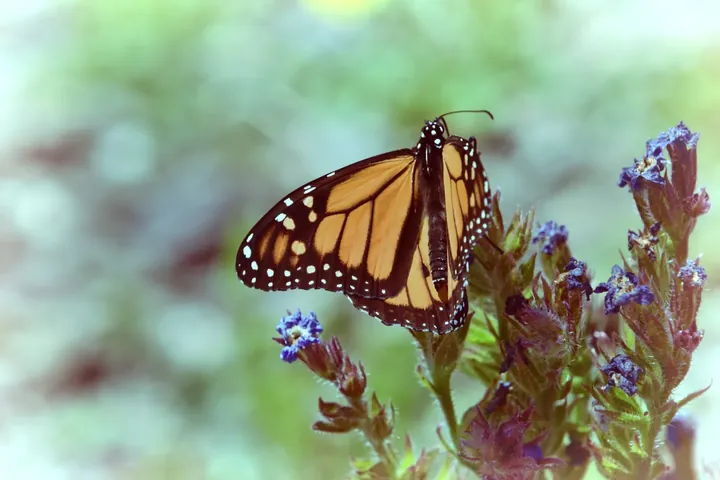
Danaus plexippus
Explore sample insects
Visual insect guide
Quickly compare one key feature from each group to narrow down the insect in your photo.
Hard wing covers
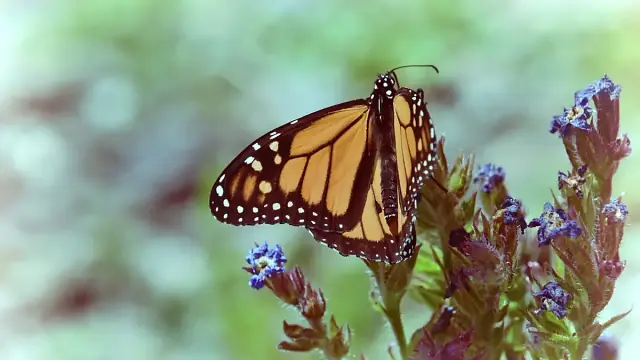
Broad, scaled wings
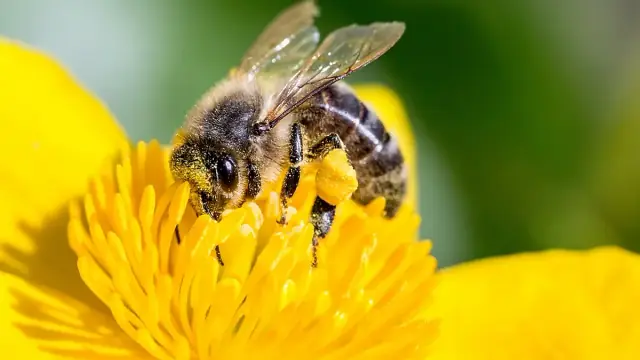
Narrow waist
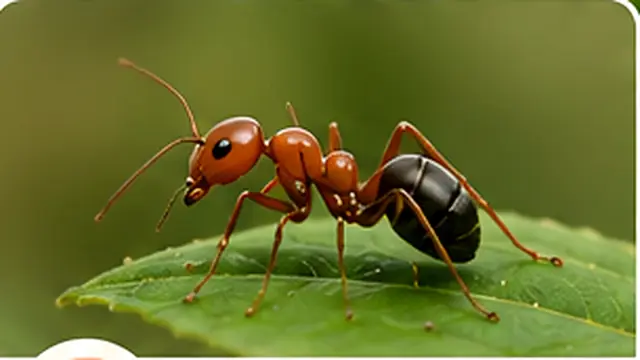
Elbowed antennae
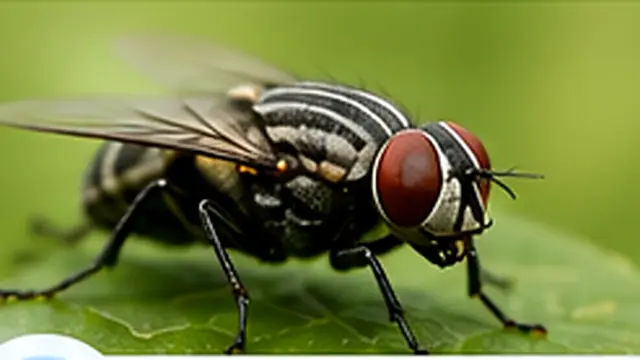
One wing pair
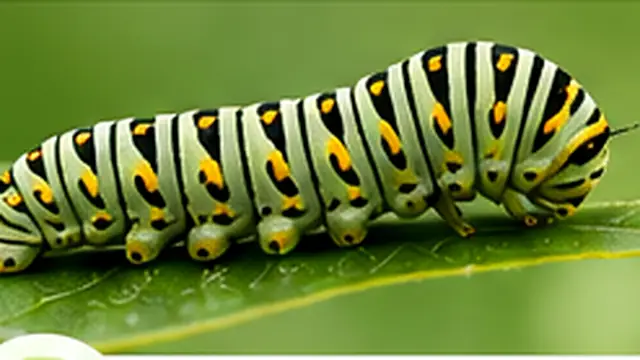
Segmented body
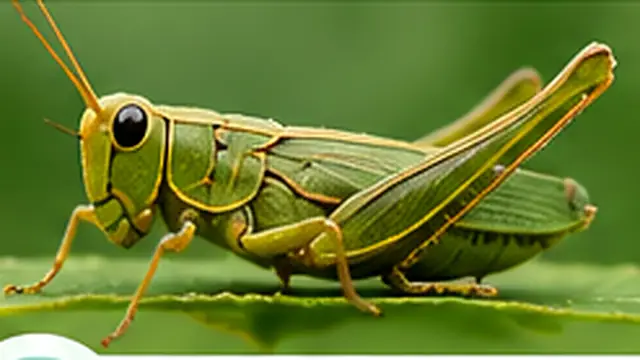
Powerful hind legs
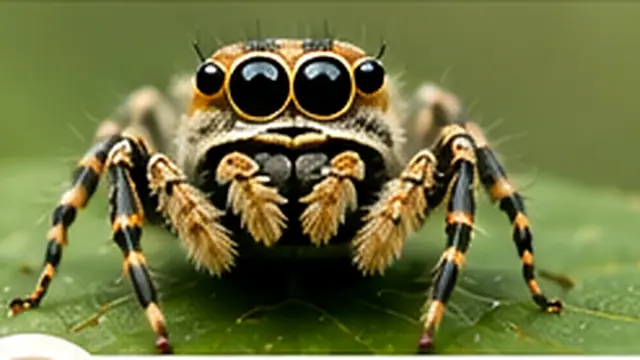
Eight legs, no antennae
Upload a clear photo and let ePlant AI suggest likely matches.
ePlant AI is a free online insect and bug identifier that analyzes a photo and suggests likely matches based on visible characteristics.
Better context, better matches
Location, host plant and surrounding habitat can help narrow visually similar insects. A species common in one region may be absent from another, and seasonal activity can change which match is most plausible. Include the country or region, month, habitat and plant where possible instead of relying on appearance alone.
Identify small bugs found in kitchens, bathrooms, bedrooms, basements and storage spaces.
Learn whether a visitor may be a pollinator, predator, harmless insect or potential plant pest.
Explore insects seen in parks, forests, fields, soil, near water and around outdoor lights.
Insect encyclopedia
Explore common insects, their distinguishing features and detailed species profiles.
Recognized by its orange-and-black wing pattern and white-spotted borders.
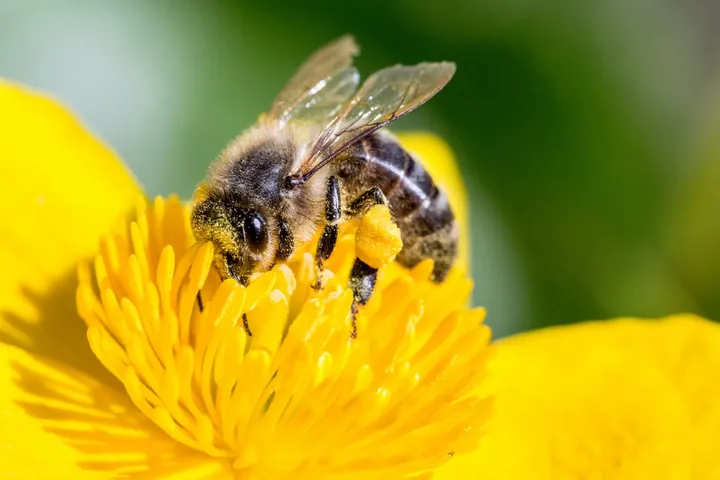
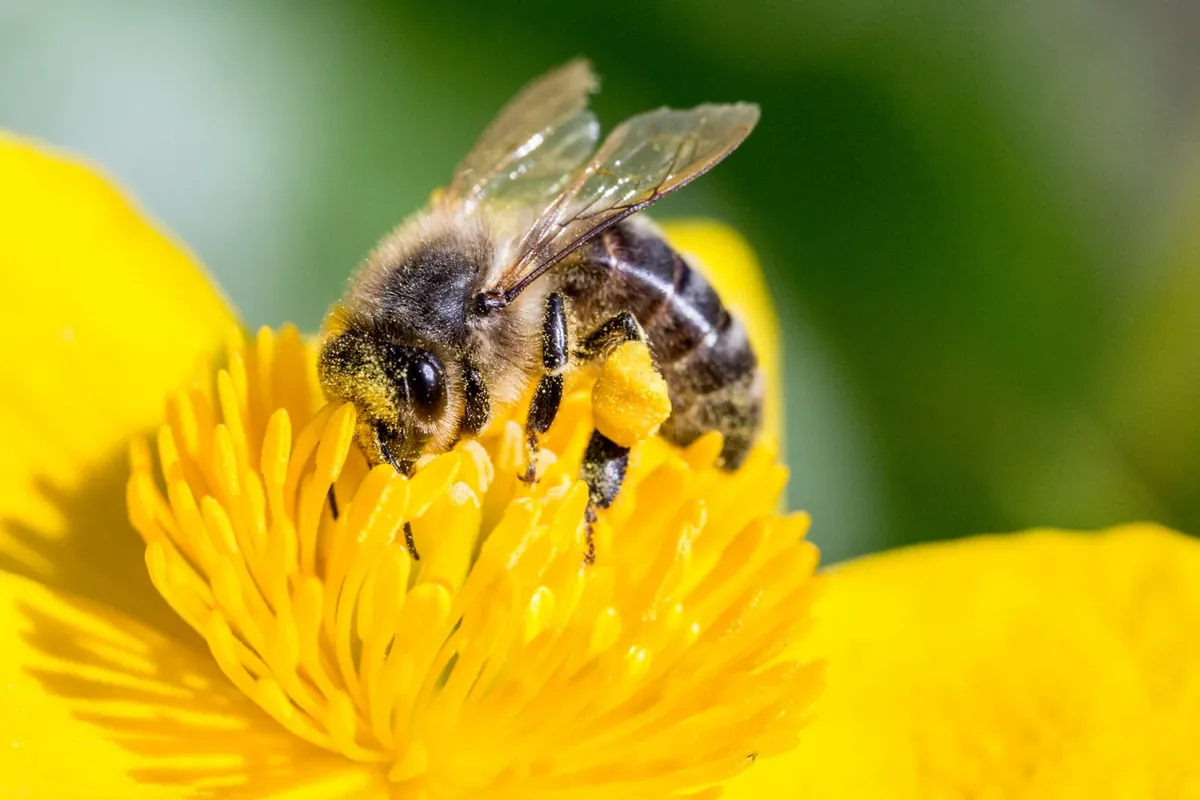
A social pollinator with a fuzzy thorax and banded golden-brown abdomen.
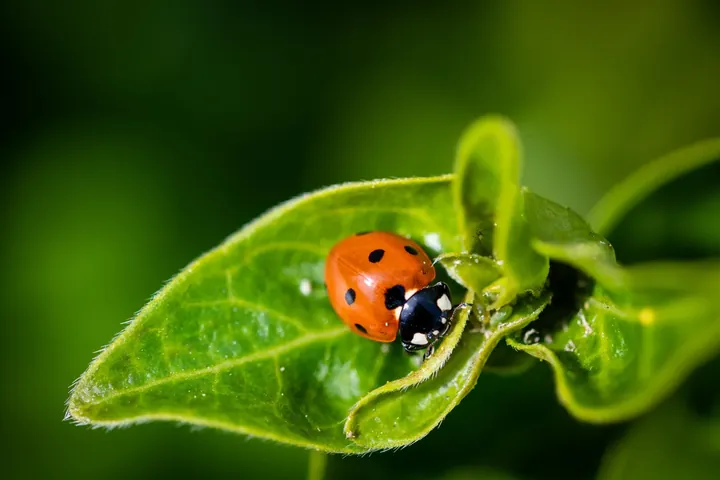
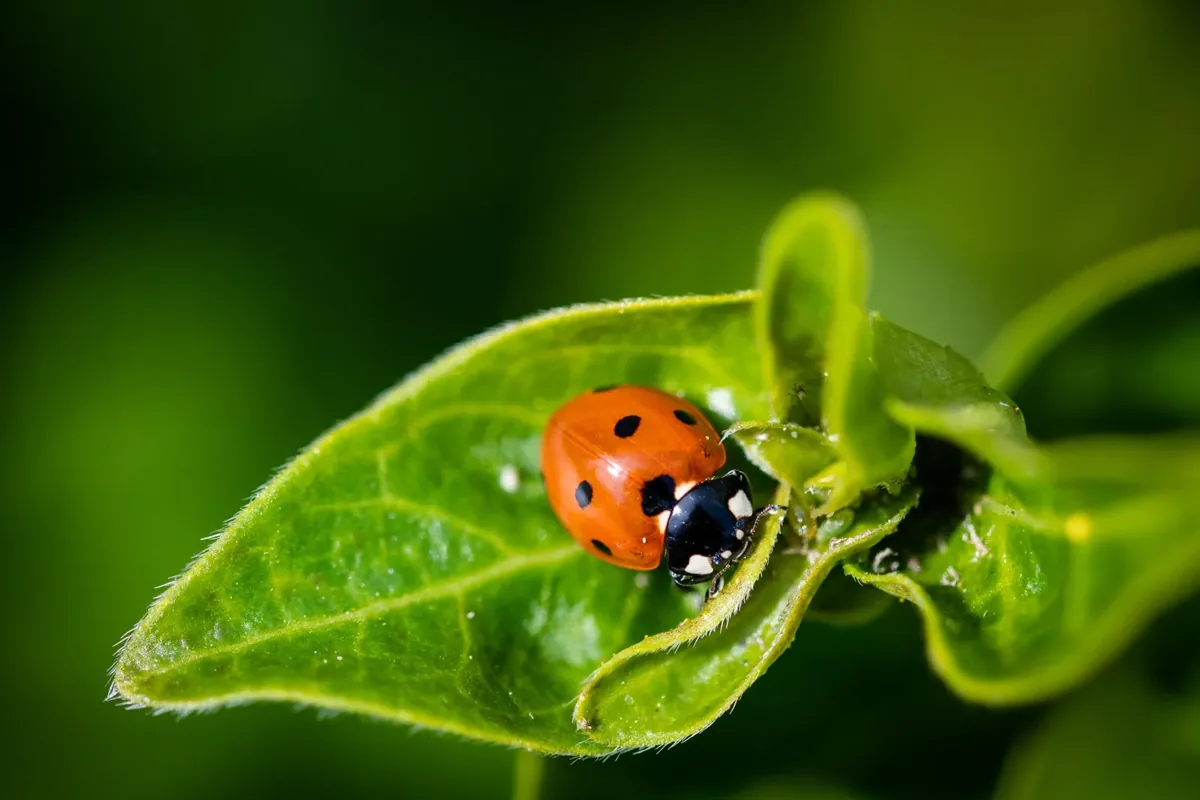
A rounded beetle often recognized by bright wing covers and contrasting spots.
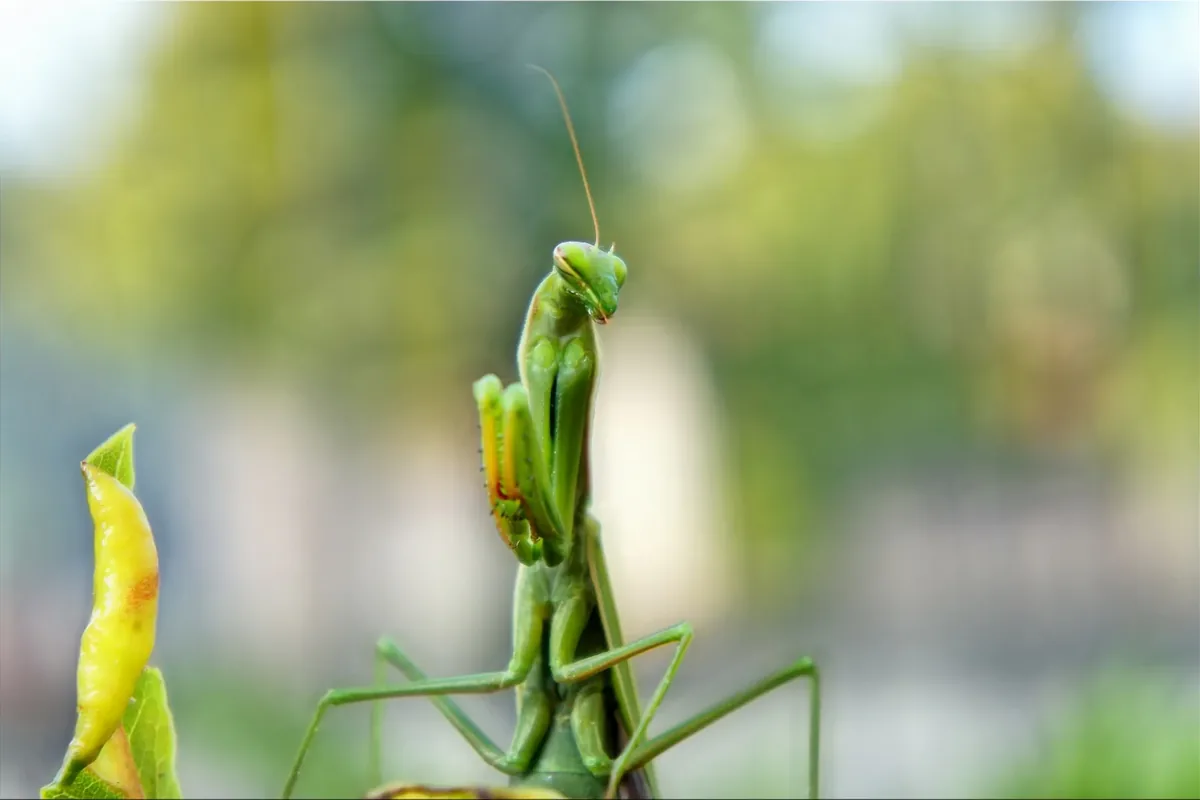
A predatory insect with a triangular head and folded grasping forelegs.
Simple identification flow
Use a clear image and review the result as a likely match alongside visible characteristics.
Select an insect photo from your gallery or use the camera on your phone.
The tool evaluates body shape, coloration, markings, wings, legs and antennae.
Explore possible names, habitat, behavior, pest status and similar-looking insects.
Inside the identification pipeline
Unlike generic “upload and guess” copy, this is how ePlant AI actually builds a result from your photo.
ePlant AI sends the image to an insect vision model that inspects body shape, wing structure, coloration, markings, legs and antennae. It returns a proposed common name, scientific name and short description, and flags whether the subject appears to be an insect.
When a scientific name is returned, ePlant AI loads a species profile and reference images for that taxon so you can compare your upload with field examples before accepting the match.
Results are educational suggestions. If the photo is blurry, partial, or shows a larva or lookalike, compare traits carefully and upload another angle rather than treating a single result as confirmation.
Useful identification details
Results are organized into clear fields that are easy to scan, compare and verify.
The name most people use for the likely insect match.
The likely taxonomic genus, species or family.
Visible colors, shape, wings, antennae and markings.
Places, host plants and environments where it may occur.
Typical feeding, activity and seasonal information.
Whether it may be a pollinator, predator or plant pest.
Common visual lookalikes worth comparing.
General handling cautions for educational use.
Improve your result
Small changes in lighting and framing can make important features easier to compare.
Transparent identification
Identification quality depends on the clarity of the picture, visible body parts, the insect’s life stage, geographic location and similarity between related species. ePlant AI provides likely matches for educational use rather than guaranteed scientific confirmation.
A bee and a hoverfly can share yellow-and-black markings, but hoverflies usually have one visible pair of wings, short antennae and larger eyes. Bees have two pairs of wings and often appear hairier. Likewise, a young insect may look very different from its adult form, so a caterpillar or nymph may only be identifiable to family or genus.
Compare more than color. Check body shape, wing number and position, antenna length, leg structure and distinctive markings against the suggested species. Then confirm that its known range, habitat, host plant and active season fit where and when the photo was taken. A second image from another angle can resolve details hidden in the first photo.
Questions about insect identification
Upload a clear image showing the insect's full body, legs, wings, antennae and markings. The identifier analyzes visible characteristics and presents likely matches with supporting information.
The online tool on this page can be used without charge. Additional capabilities may also be available through the ePlant AI mobile application.
Yes. You can upload photos of insects and bugs found in kitchens, bathrooms, bedrooms, pantries, basements and storage areas. Clear photos with visible body parts give better matches.
It can help compare insects found on leaves, stems, flowers and soil. The result may indicate whether a likely match is commonly considered a pollinator, predator, harmless visitor or plant pest.
The tool may support other arthropods, but spiders and ticks are arachnids rather than insects. Their results should be clearly labeled by the correct biological group.
Accuracy varies with the image, life stage, location and similarity between species. Treat the result as a likely match and compare it with the listed visible features.
It may suggest larval matches when enough visible detail is present. Larvae can change greatly as they develop, so adult species identification may be less certain.
No. A skin mark alone usually cannot confirm which insect caused it. The tool is designed to identify the insect itself from a photo and does not provide medical diagnosis.
Related tools
Use ePlant AI online or continue identifying plants and insects with the mobile app.